AIO Emulator24.01.12
Publisher Description
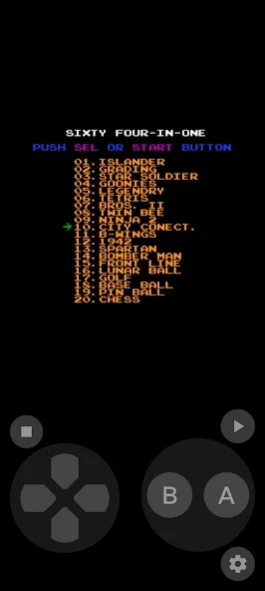
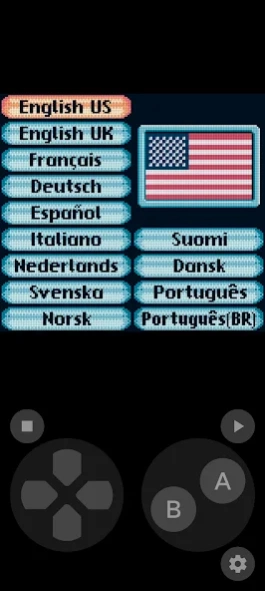
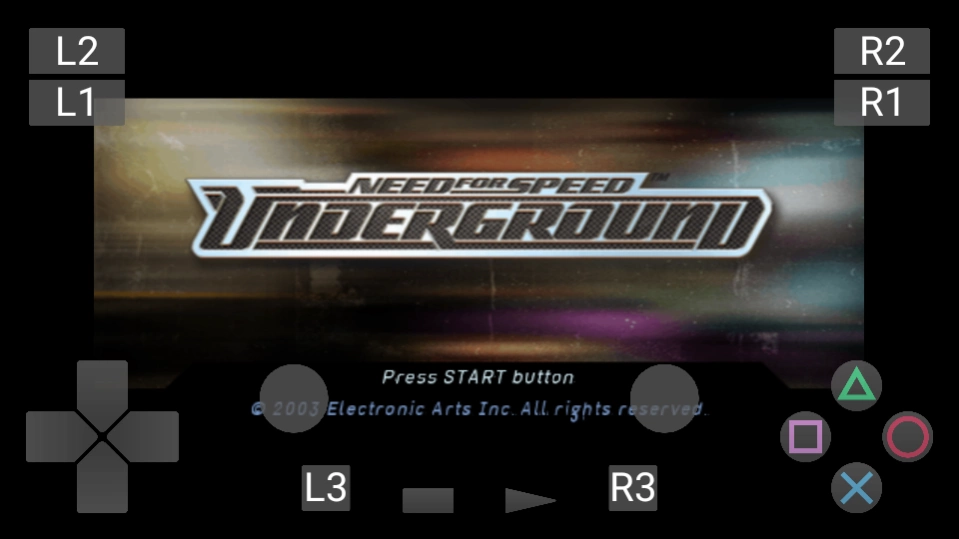
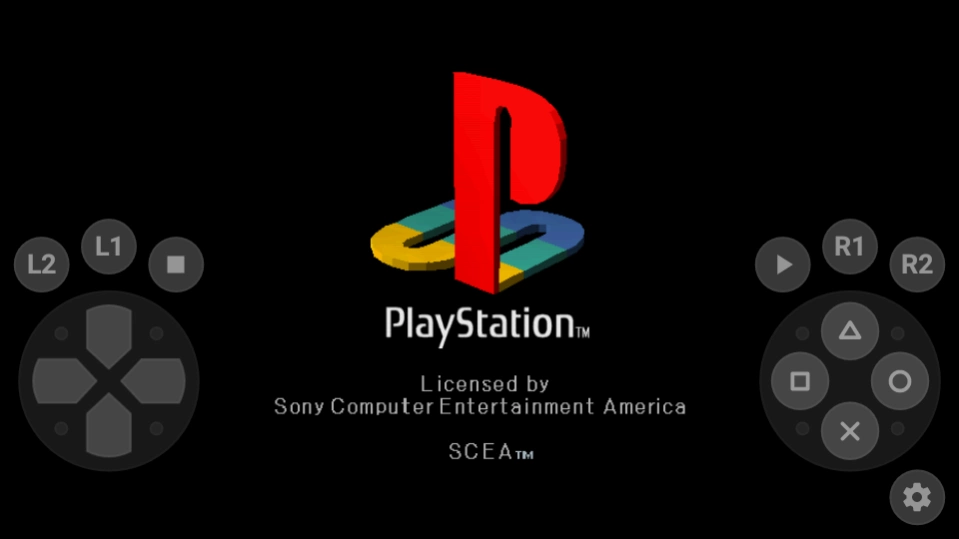
Emulator For All Game Device
THIS IS NO AD!!!!
Fast game engine that lets you play games very smooth.
Quick save and restore games you will never get lost
Simple controls keyboard, giving you the best arcade game experience.
more info :
https://github.com/libretro
https://github.com/duchengzhen/MAME4droid
https://github.com/Swordfish90/Lemuroid
https://github.com/dolphin-emu/dolphin
https://github.com/citra-emu/citra
https://github.com/hrydgard/ppsspp
https://github.com/AetherSX2/AetherSX2
https://github.com/jpd002/Play-
https://github.com/flyinghead/flycast
https://github.com/Yabause/yabause
Features:
- Easy-to-use GUI
- Save state
- Optimized code to save battery life
- Support multiple devices
Support List :
Atari
Nintendo
Super Nintendo
Game Boy
Game Boy Color
Game Boy Advance
Sega Genesis
Sega CD
Sega Master System
Nintendo 64
Nintendo DS
MAME (0.37, 0.78,0.139)
PSX( PS1)
PSP
PS2
WII
This app does not work without your own game files. you need install roms first.
LEGAL: This product is not affiliated with, nor authorized, endorsed or licensed in any way by Nintendo Corporation, its affiliates or subsidiaries.
Disclaimer: This application is not affiliated with Nintendo or Super Nintendo Entertainment System in any way.
About AIO Emulator
The company that develops AIO Emulator is Emuor S. The latest version released by its developer is 24.01.12. This app was rated by 4 users of our site and has an average rating of 5.0.
To install AIO Emulator on your Android device, just click the green Continue To App button above to start the installation process. The app is listed on our website since 2024-01-11 and was downloaded 1,116 times. We have already checked if the download link is safe, however for your own protection we recommend that you scan the downloaded app with your antivirus. Your antivirus may detect the AIO Emulator as malware as malware if the download link to com.xhx.mdemu is broken.
How to install AIO Emulator on your Android device:
- Click on the Continue To App button on our website. This will redirect you to Google Play.
- Once the AIO Emulator is shown in the Google Play listing of your Android device, you can start its download and installation. Tap on the Install button located below the search bar and to the right of the app icon.
- A pop-up window with the permissions required by AIO Emulator will be shown. Click on Accept to continue the process.
- AIO Emulator will be downloaded onto your device, displaying a progress. Once the download completes, the installation will start and you'll get a notification after the installation is finished.
Program Details
System requirements
Download information
Pricing
Version History
version 24.01.12
posted on 2024-01-11
Fix Game Cover
Fix Crash Bugs
version 24.01.10
posted on 2024-01-09
Add New Fast Speed Download Source
Restore Consoles
Fix Crash Bubs
version 23.12.26
posted on 2023-12-25
Support Full-Screen
Update Cores
Fix Crash Bugs
version 23.12.15
posted on 2023-12-16
Update cores
Fix Crash Bugs
Add Telegram Group
version 23.12.05
posted on 2023-12-03
Update Cores
Fix PS2 Console Bug
Add Virtual Controller Style
Add Contribution Members
Update Portuguese-Brazil/Italian Translation
version 23.11.29
posted on 2023-11-26
Support Android 14
Support Saturn Console
Add Web Games(Not Need Download)
Fix PSP console
Fix Dreamcast console
Fix WII console
Fix NS console
Fix NGP/NGC console
Fix Samsung Controller Keys
Fix Crash Bugs
Update Portuguese-Brazil/Italian Translation
version 23.11.09
posted on 2023-11-06
Support Android 14
Support Saturn Console
Add Web Games(Not Need Download)
Fix Dreamcast console
Fix Crash Bugs
version 23.10.21
posted on 2023-10-22
version 23.10.01
posted on 2023-10-01
Fix Press Left And Right Virtual Keys Simultaneously In Samsung Device
version 23.09.23
posted on 2023-09-27
update download source
update cores
Add Switch Support(Bate)
